
TaskForce
EN
FR
30-min call

Everything happening in your team, on one screen.

Everything fills itself in, nothing gets lost, and you see it all. We connect the tools you already have.

Nothing to prepare, nothing to install, nothing to sign.

We keep your toolsYour data stays with youA screen ready in a few days
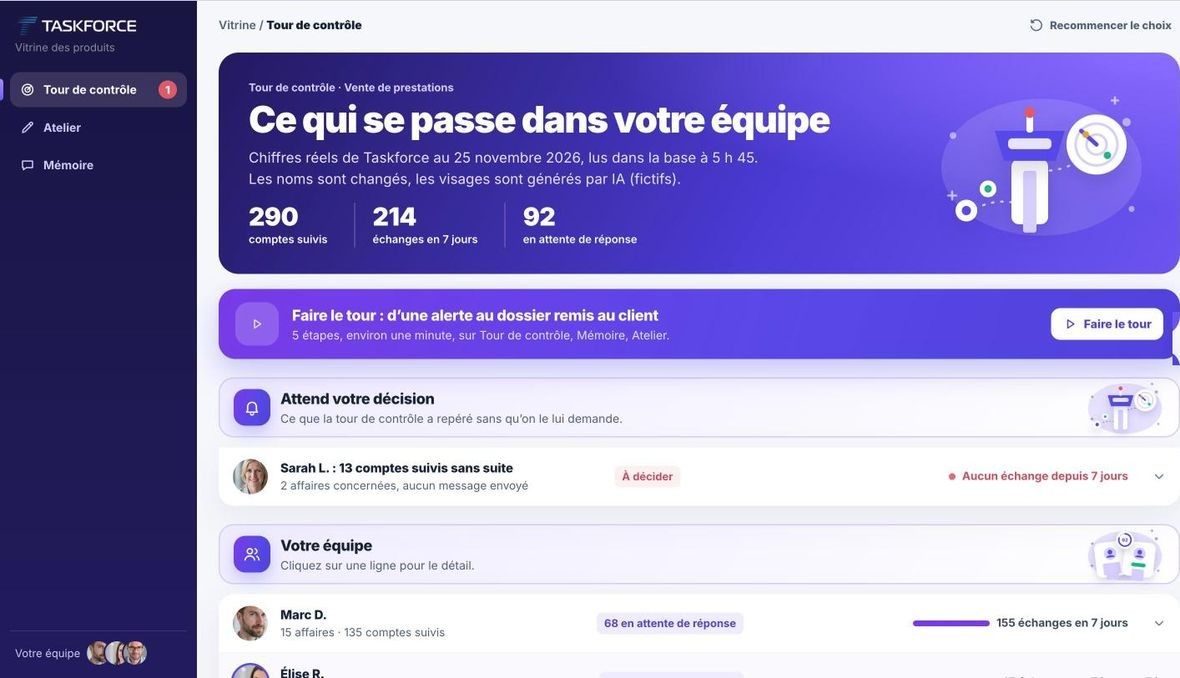
The Control Tower: what is happening in your team
Contacts followed by Memory
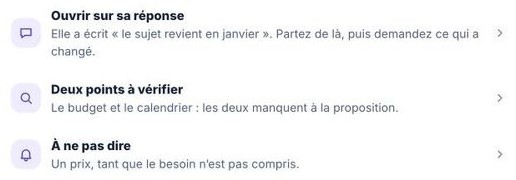
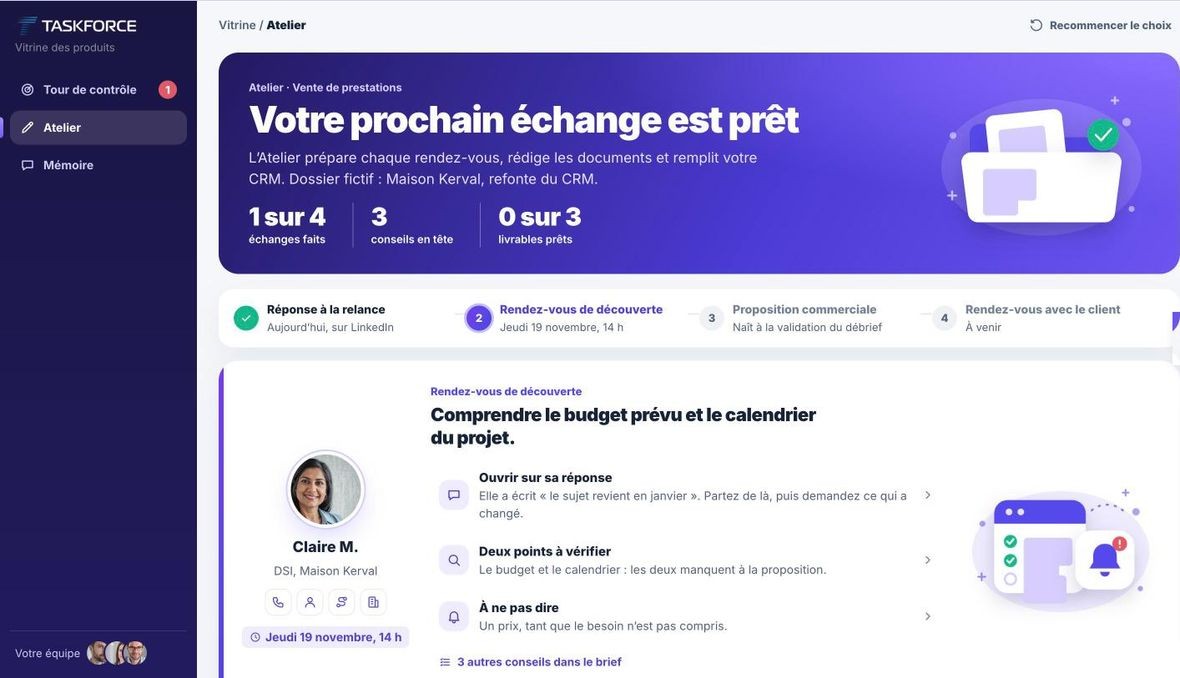
The brief prepared by the Atelier
Everything fills itself in
The Atelier
Everything fills itself in
Memory
Nothing gets lost
The Control Tower
You see it all
Monday morning

The same week, before and after.

Drag the slider. On the left, what you open today. On the right, the screen you open tomorrow.

CRM · updated 3 weeks ago Spreadsheet · deals_tracking_v7_final.xlsx Inbox · 47 unread“Where are we on this file?”“Did you follow up with the client?”“Who has the latest version?”“Can you update the CRM?” Accounting · last month’s figures ???
After: the Control Tower
BeforeAfter
Before: four tools, questions by email, last month’s figures.After: one screen, what awaits your decision, the team at a glance.
You are

Who are you? The page adapts.

Pick the person who is most like you: your phrases come first, and the blocks line up in your order.

What costs you the most

Do you recognise one of these phrases?

Click on yours: we show you what fixes it.

How it runs

Three effects, built on one foundation.

Nine steps, always the same. Each block can be taken on its own, and each one makes the next one better.

I don’t know where my team stands unless I ask.
01Steps 8 and 9 · Control Tower

You see it all

Without asking anyone.

You see your team, without asking.

  • The team
  • Decisions
  • Today’s figures

Before: you ask where the team stands.Now: you see it.

2steps

  1. 8The Control Tower shows the team and what awaits a decision.
  2. 9A question keeps coming back? Its screen is ready in a few days.
  • Each person: their deals, their accounts, their exchanges.
  • Today’s figures, read from your tools.

See the module
My clients and my contacts are waiting, and nobody follows up.
02Step 7 · Memory

Nothing gets lost

Every contact, on every channel.

Every contact followed up. Nothing goes out without you.

  • Every channel
  • Hot, warm, cold
  • Your approval first

Before: everyone follows up on their own.Now: nothing gets lost.

1step

  1. 7Every contact is followed on every channel, and the next move is suggested.
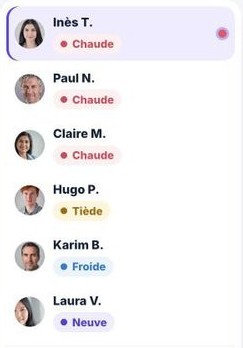
  • Hot, warm, cold: every relationship has its temperature.
  • Nothing goes out without your approval.
See the module
My tools are never up to date, so my figures are wrong.
03Steps 1 to 6 · Atelier

Everything fills itself in

From the meeting to up-to-date software.

Entered once. Up to date everywhere.

  • A single entry
  • The brief ready
  • Software up to date

Before: you re-enter everything after every meeting.Now: everything fills itself in.

6steps

  1. 1Data comes in only once: a conversation, an email, a document.
  2. 2The brief is ready before the meeting.
  3. 3Afterwards, the deliverables write themselves.
  4. 4Nothing goes out without your approval.
  5. 5Software updates itself.
  6. 6Other departments receive their documents.
See the module
The foundation: your data brought together, with youWe connect your tools, we replace nothing.
Custom screens, by departmentSecure access, per person
The cause

Why your figures never add up.

Your tools don’t talk to each other. Each one keeps its share, and your team pieces things together by hand. The film explains it in 48 seconds, without jargon.

We replace nothing. We connect, and your data stays with you.

48 s

Talk for 30 minutes

Interconnection
Why your tools don’t talk to each other, and what we do about it.
The three products

Each can be taken on its own. Each makes the next one better.

Open the one that speaks to you: the screen and three cases for your line of work. Then go further if you like.

Demo screens: fictitious people, AI-generated faces.

First step

Shall we talk for thirty minutes?

You show us your week. We show you what it becomes.

  1. 1
    Thirty minutes, by video callYou tell us about your week and the tools you open.
  2. 2
    We connect, without replacing anythingYour software stays in place, your data stays with you.
  3. 3
    Your first screenReady in a few days, in your words, for your team.

Book the callCall me back

Your first name and a way to reach you: we’ll get back to you within 48 hours to set the time.

How to reach you either one is enough

Nothing to prepare, nothing to install, nothing to sign.